Testing digital color effects on Mick Jagger
I recently colored in my old Mick Jagger caricature and then applied some digital effects. Hereby the most suitable results.

Mick Jagger of the Rolling Stones - a caricature I made a long time ago ...
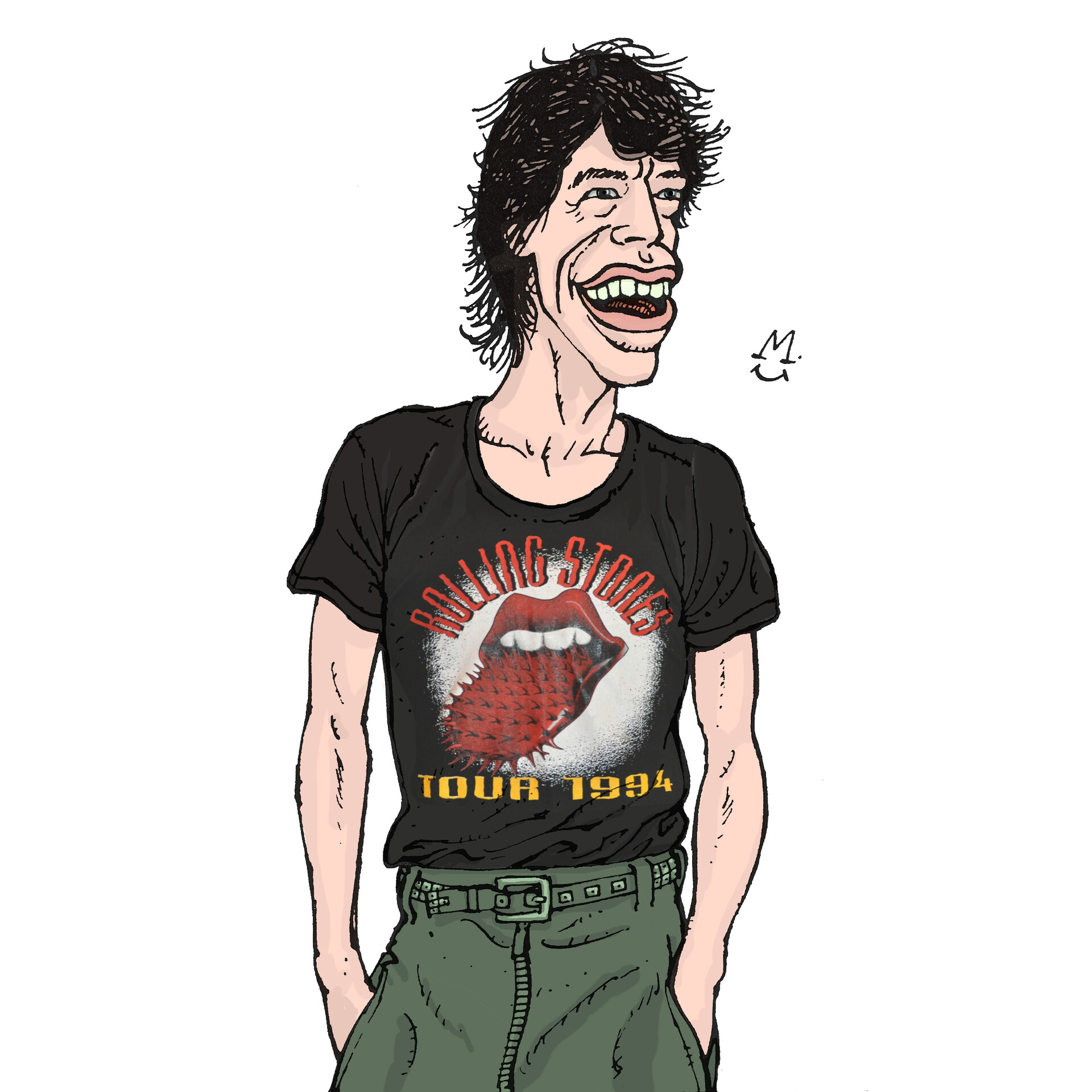
I only recently colored it digitally with paint.net.
( I chose a logo on the internet and matched it to his shirt. )

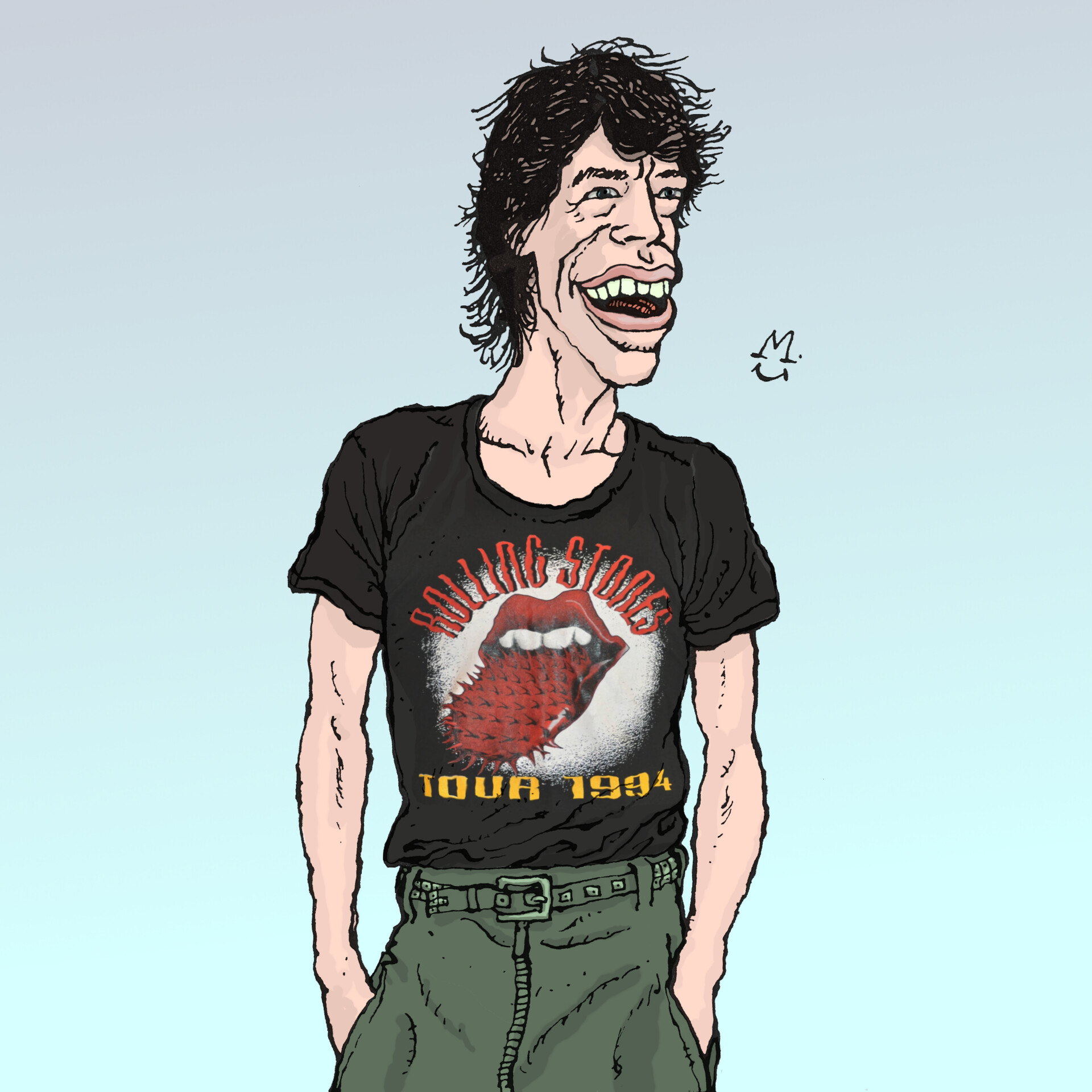
A 2nd version. Some blue sky to cheer it up.

And a 3rd color version. A different background can create a completely different feeling.

On that 3rd version I tried out some effects that paint.net offers for free. I show here the results that fit well with 'Mick Jagger'.
This one: Effects / Photo - Vignette...

Of course you also have to adjust values or sliders for the desired result.
Here Effects / Render - Turbulence...

This one was more complicate: Effects / Distort - Polar Inversion...
Mick placed on a separate layer in front of it, the rest transparent. Background also semi-transparent and color tint changed for better contrast.
Render some and compare...

And this one: Effects / Stylize - Relief... (several times in a row)
Very fitting effect, in my opinion...
Here: Effects / Distort - Dents...
This effect makes him look more like the man he is now (He will be 79 this year! It's unbelievable how time flies!!!)

I like this one too! Amazing how fast a modern computer calculates this!
The old-fashioned way, it would take a full week of crafting! Now: WOW! Two seconds!
Effects / Distort - Tile Reflection: Rotation 0, Height 44.38

Same effect, different values: Effects / Distort - Tile Reflection... Rotation 45, Height 800

And this one: Effects / Photo - Soften Portrait...
Simple, but I think this one also suits him very well.

Mick Jagger, carved in stone for ever! - Rolling Stone :-)
Effects / Stylize - Emboss...
- - - - -
That is it. Bye for now!